Google Street View has revolutionized how we explore the world. It allows you to virtually walk down streets, visit landmarks, and scout locations before you ever leave your home.
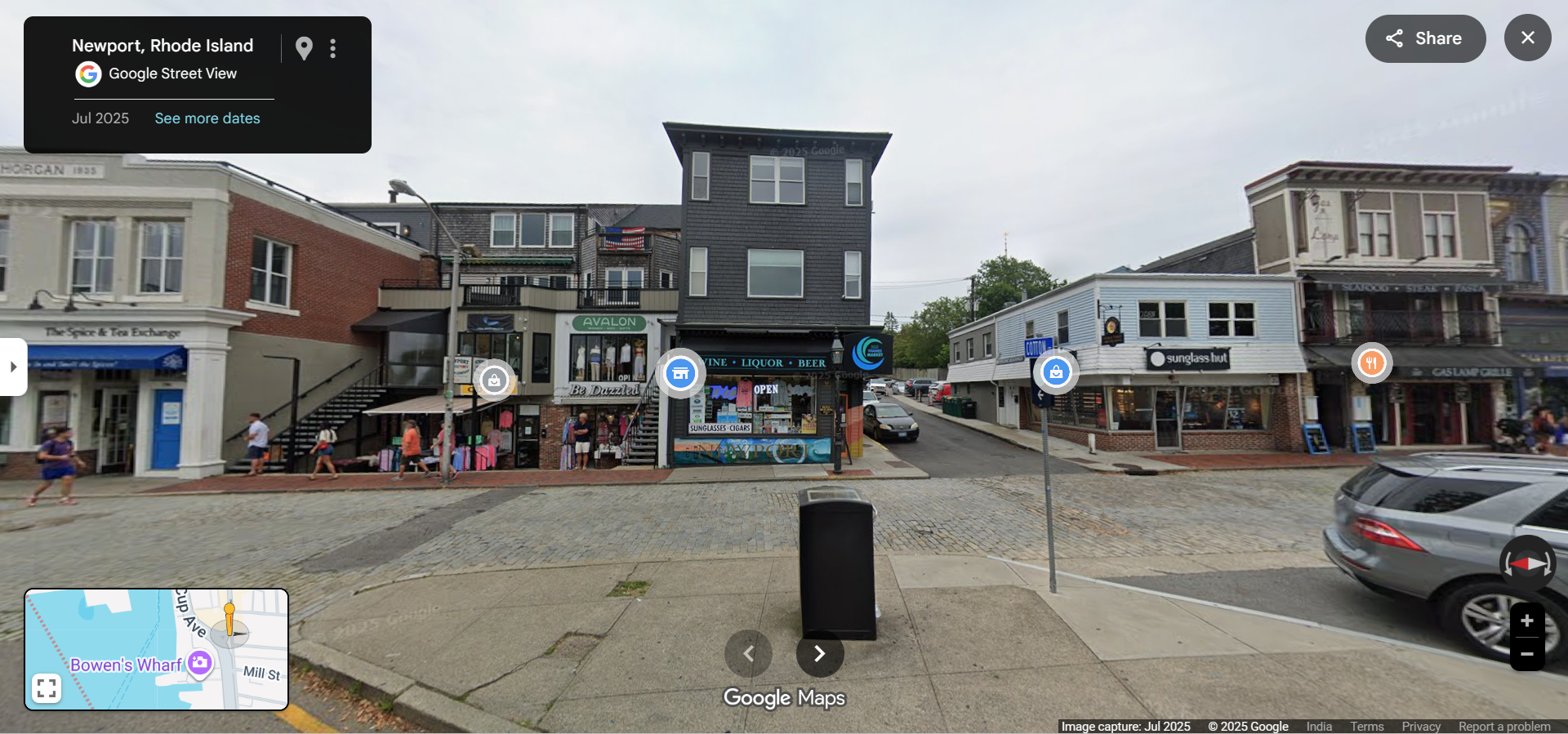
What Can You Do with Street View?
House Hunting
Checking out a new apartment? Use Street View to see the neighborhood, parking availability, and nearby amenities.
Virtual Tourism
Visit the Eiffel Tower, the Grand Canyon, or the streets of Tokyo. Street View covers millions of miles of roads and paths.
Navigation Preview
Confused about a complex intersection? Look at it in Street View to memorize the lanes and signs beforehand.
How to Access Street View
- Open Google Maps: Search for a location.
- Find Pegman: Look for the little yellow person icon (Pegman) in the bottom corner.
- Drag and Drop: Drag Pegman onto any blue-highlighted street on the map.
- Explore: Use your mouse or finger to look around 360 degrees and click arrows to move down the street.
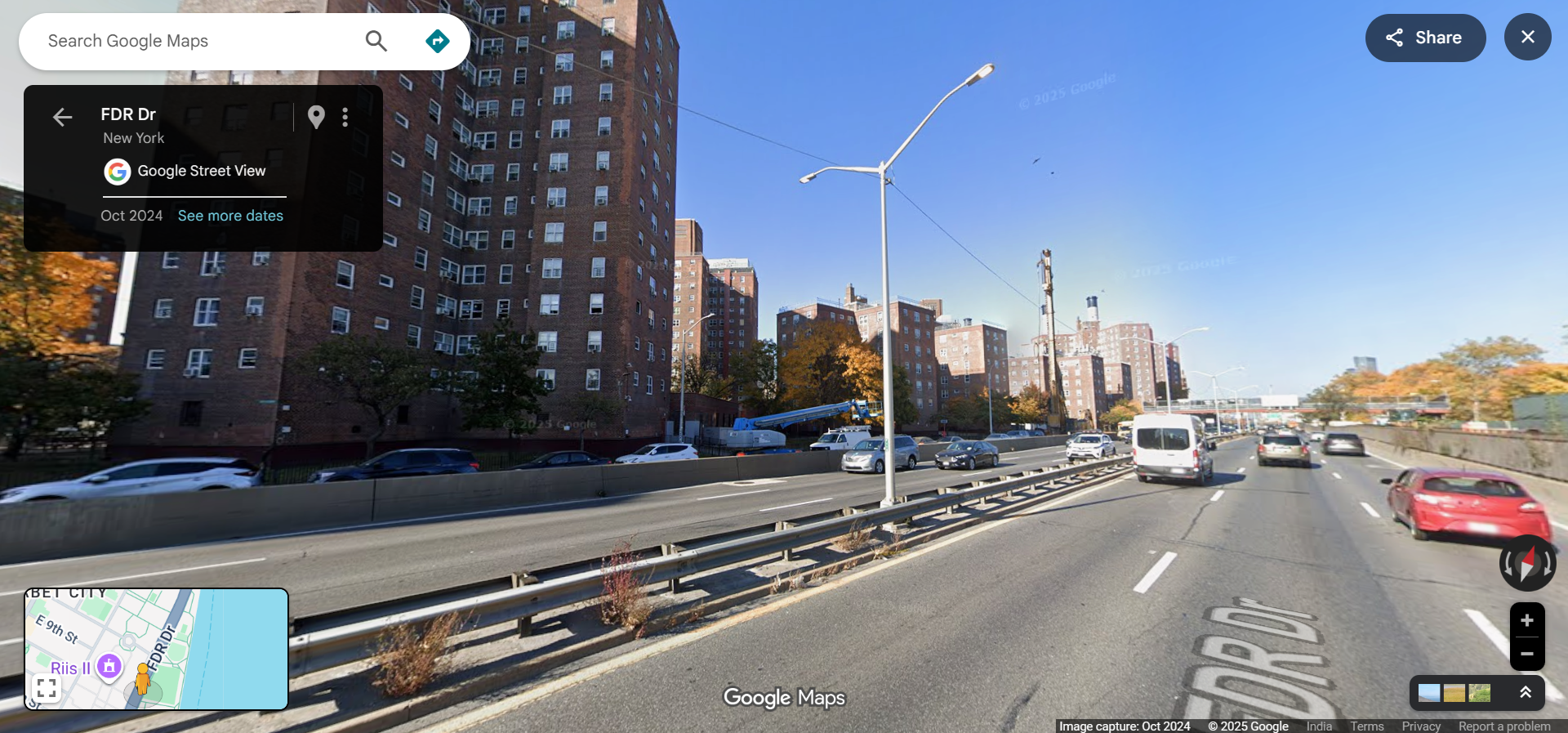
Inside View
Street View isn't just for streets anymore. Many businesses, museums, and airports have invited Google inside, allowing you to tour interiors. Look for the "See Inside" option on business listings.
Frequently Asked Questions
How often is Street View updated?
Google updates imagery constantly, but it can take months or years to revisit specific areas. You can check the image date at the bottom of the screen.
Can I blur my house?
Yes, for privacy reasons, you can request that Google blur your home, car, or face by clicking "Report a problem" on the image.
Google Street View is a window to the world. Whether for practical planning or pure curiosity, it offers an immersive experience that static maps simply can't match.